
上传jar教程
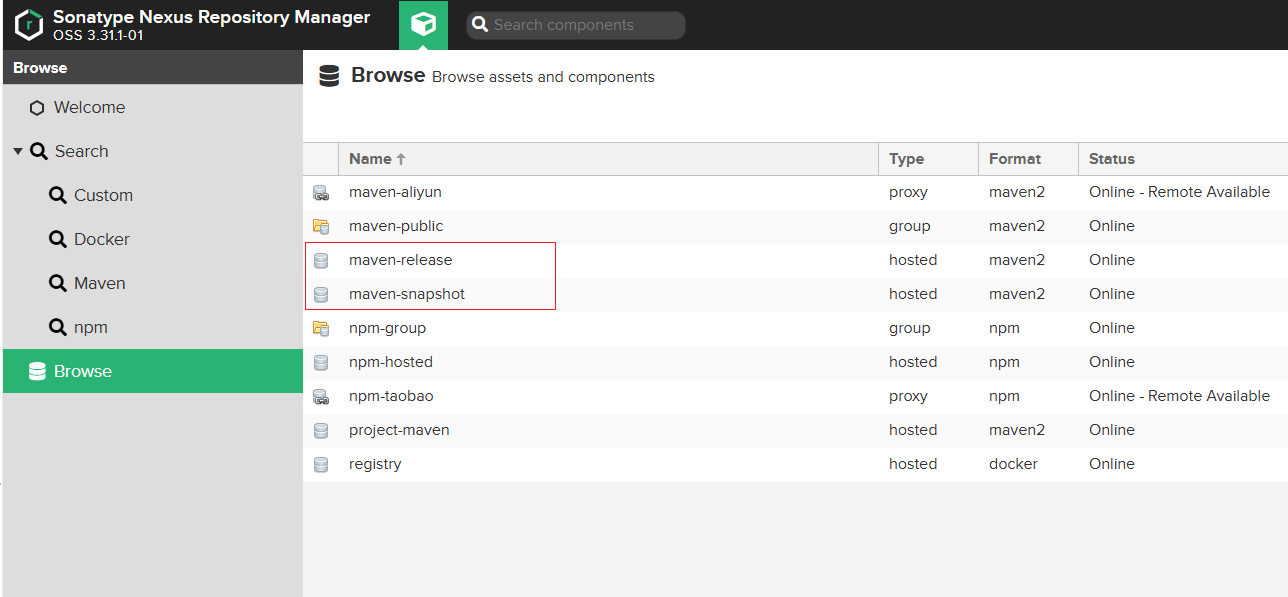
1. 找到对应的仓库上传路径
release和snapshot版本的路径,没有则创建
稳定版本:http://ip:port/repository/maven-release
快照版本:http://ip:port/repository/maven-snapshot
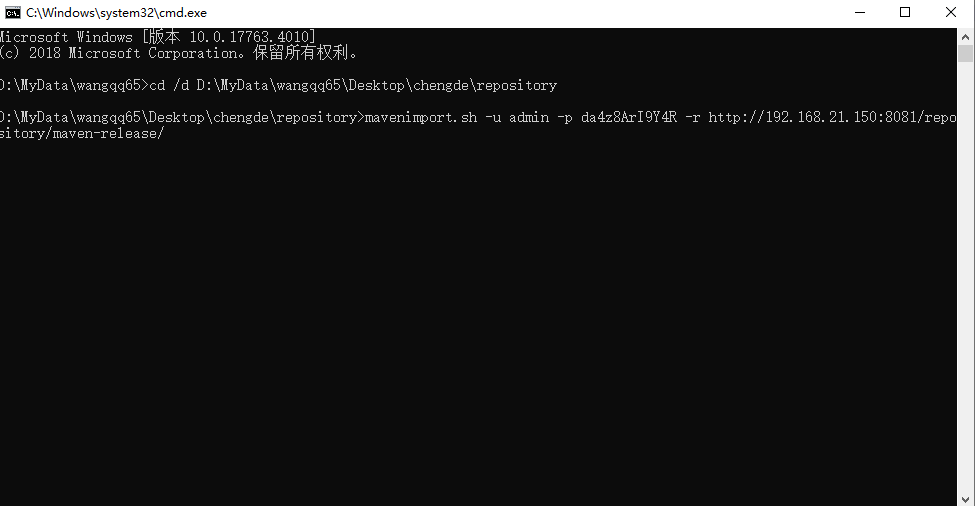
2.切换到repository仓库目录下执行命令
上传快照:
mavenimport.sh -u 账号 -p 密码 -r http://ip:port/repository/maven-snapshot/
上传稳定版本:
mavenimport.sh -u 账号 -p 密码 -r http://ip:port/repository/maven-release/

mavenimport.sh
#!/bin/bash
# copy and run this script to the root of the repository directory containing files
# this script attempts to exclude uploading itself explicitly so the script name is important
# Get command line params
while getopts ":r:u:p:" opt; docase $opt inr) REPO_URL="$OPTARG";;u) USERNAME="$OPTARG";;p) PASSWORD="$OPTARG";;esac
done
find . -type f -not -path './mavenimport\.sh*' -not -path '*/\.*' -not -path '*/\^archetype\-catalog\.xml*' -not -path '*/\^maven\-metadata\-local*\.xml' -not -path '*/\^maven\-metadata\-deployment*\.xml' | sed "s|^\./||" | xargs -I '{}' curl -u "$USERNAME:$PASSWORD" -X PUT -v -T {} ${REPO_URL}{} ;